
Airbnb hosts need keyless entry that keeps guest check-in dependable without creating code-management headaches, lockouts, or unnecessary maintenance. The strongest options differ in remote access, installation style, connectivity, and backup entry, so compare those tradeoffs with your property’s door hardware, internet reliability, and turnover workflow before choosing.
The best keyless entry systems for Airbnb are:
- Schlage Encode Plus Smart WiFi Deadbolt
- August Wi-Fi Smart Lock (4th Gen)
- Yale Assure Lock 2
- Wyze Lock Bolt
- igloohome Smart Keybox 3
The 5 Best Keyless Entry Systems for Airbnb Hosts
Checkmate host shortlist
Five keyless entry systems for Airbnb hosts
Compare five smart locks and lockboxes for remote control, retrofit installation, guest codes, and offline access.
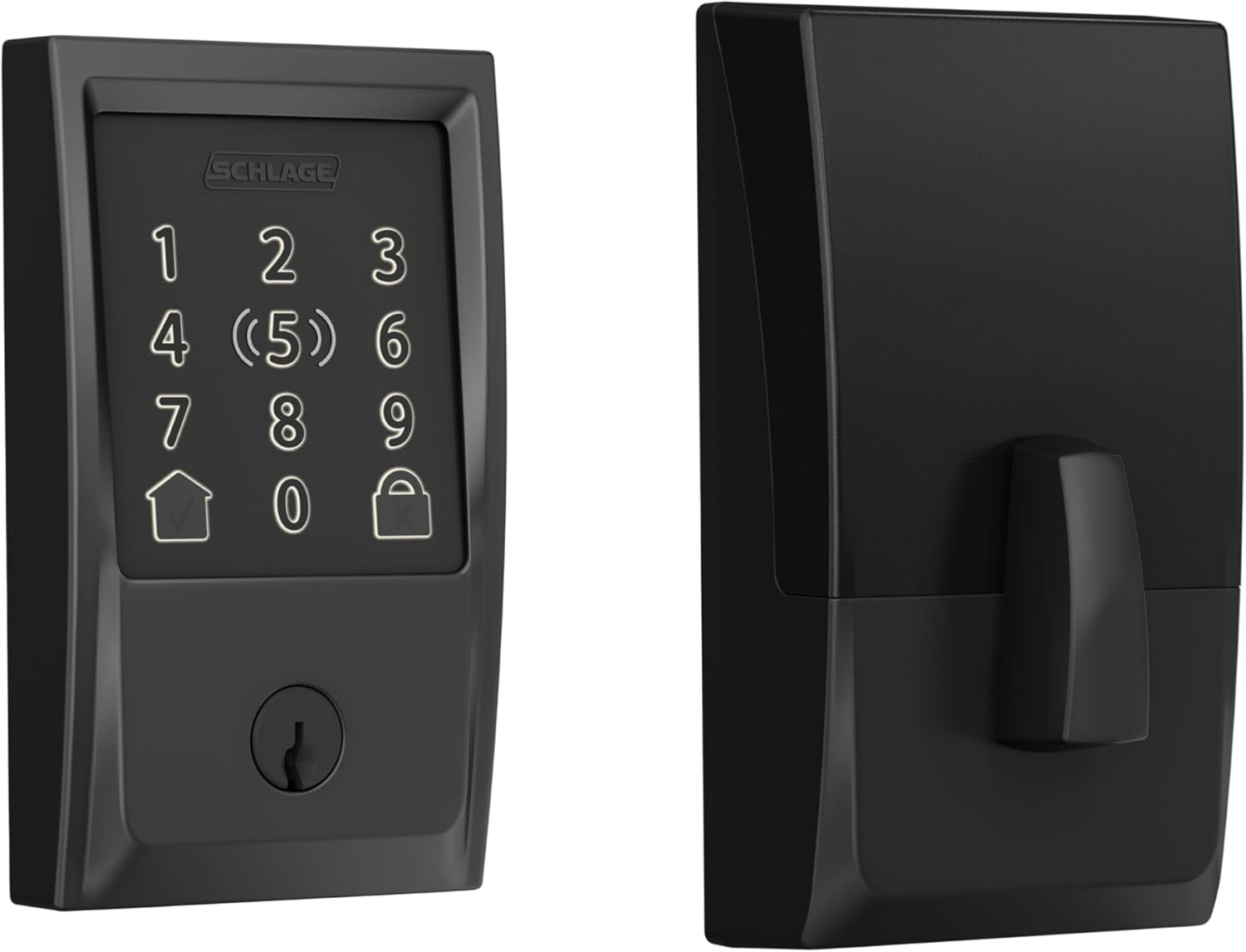 Schlage Encode Plus Smart WiFi Deadbolt
Best Overall
Checked Aug 13, 2026$319.00Buy It Now on Amazon
Best Retrofit
Schlage Encode Plus Smart WiFi Deadbolt
Best Overall
Checked Aug 13, 2026$319.00Buy It Now on Amazon
Best Retrofit
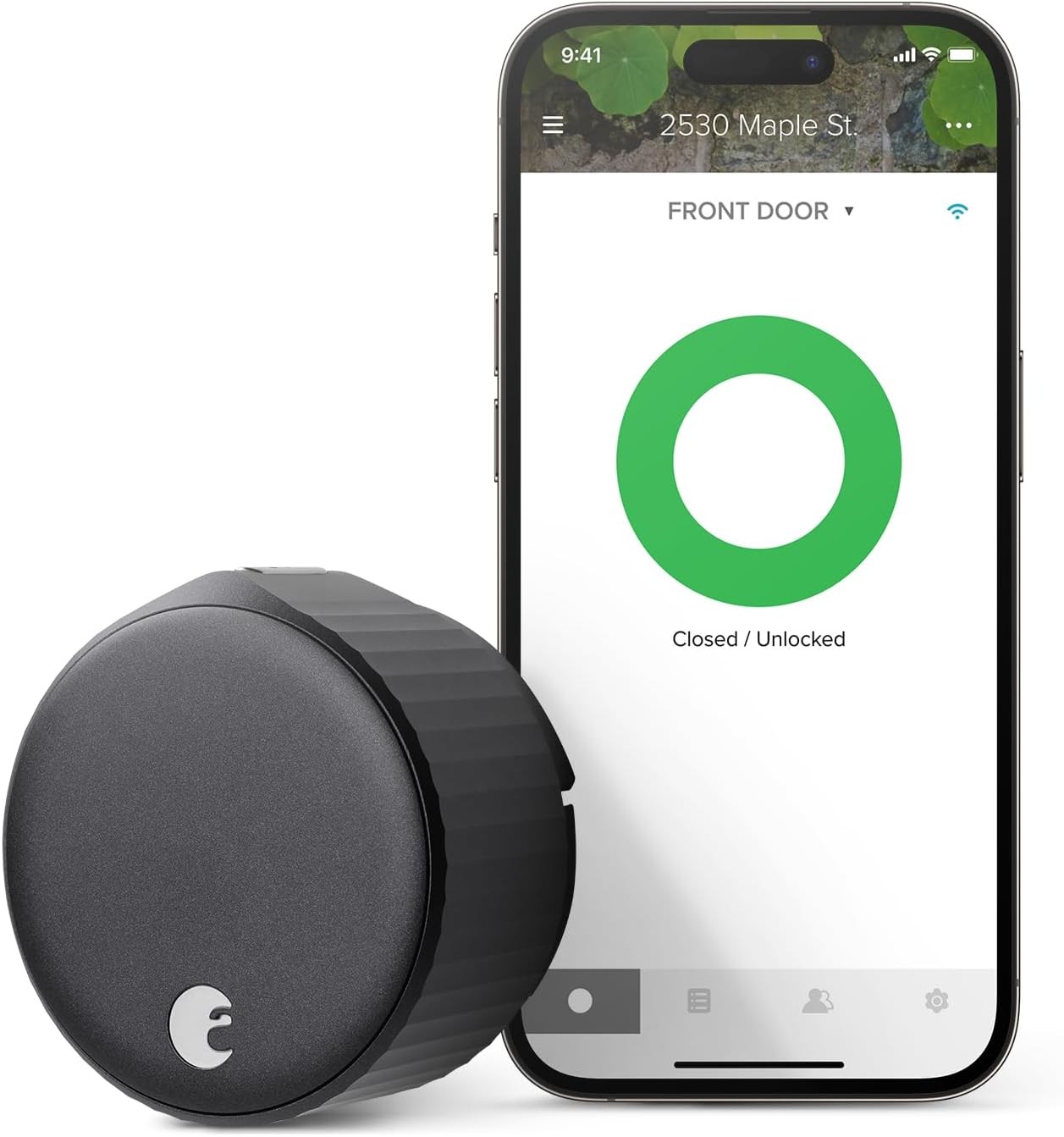 August Wi-Fi Smart Lock (4th Gen)
Best Retrofit
Checked Aug 13, 2026Check current priceBuy It Now on Amazon
Best Versatility
August Wi-Fi Smart Lock (4th Gen)
Best Retrofit
Checked Aug 13, 2026Check current priceBuy It Now on Amazon
Best Versatility
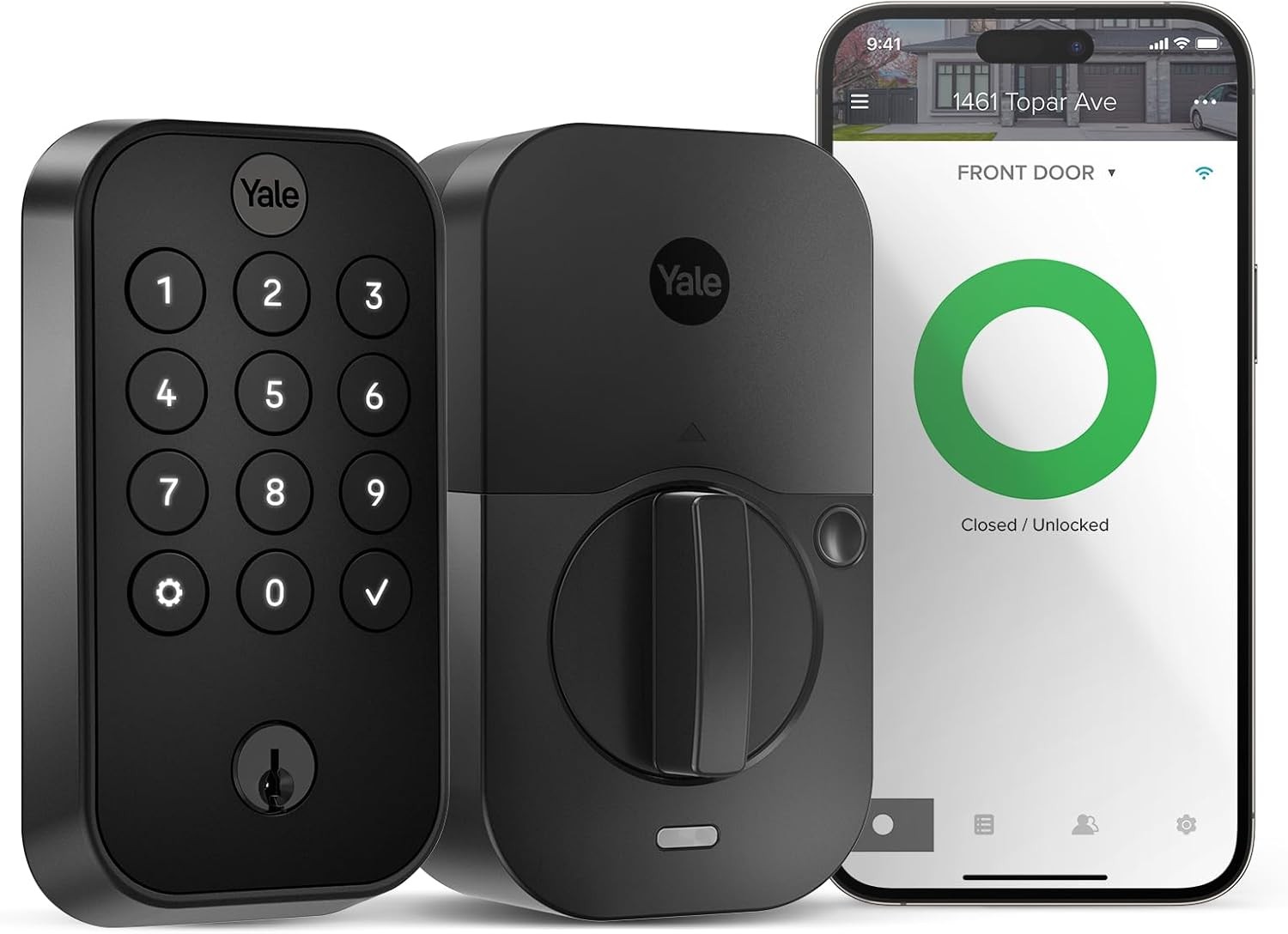 Yale Assure Lock 2
Best for Flexible Access
Checked Aug 13, 2026$169.99Buy It Now on Amazon
Best Budget Pick
Yale Assure Lock 2
Best for Flexible Access
Checked Aug 13, 2026$169.99Buy It Now on Amazon
Best Budget Pick
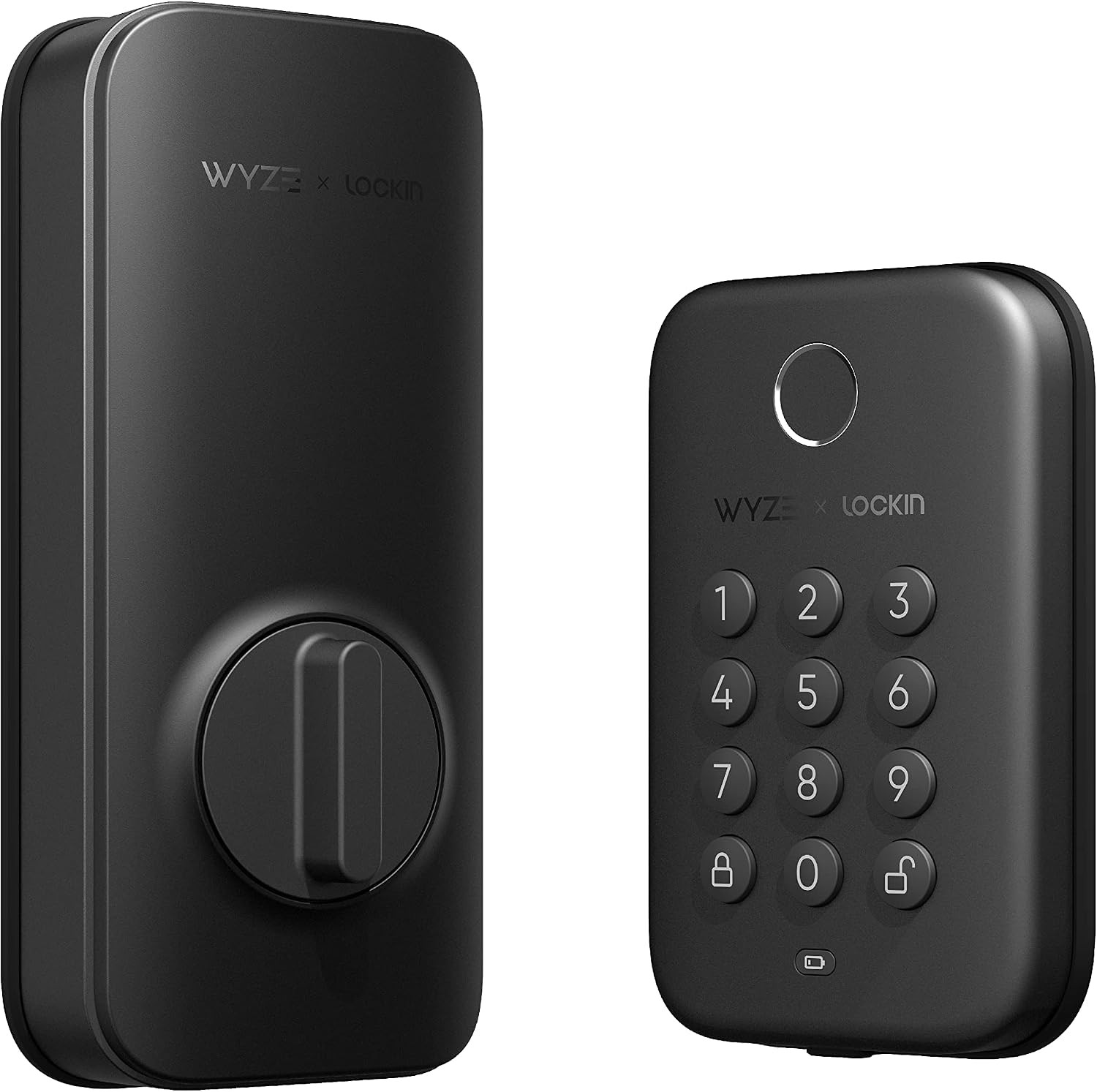 Wyze Lock Bolt
Best Budget Pick
Checked Aug 13, 2026Check current priceBuy It Now on Amazon
Best Lockbox
Wyze Lock Bolt
Best Budget Pick
Checked Aug 13, 2026Check current priceBuy It Now on Amazon
Best Lockbox
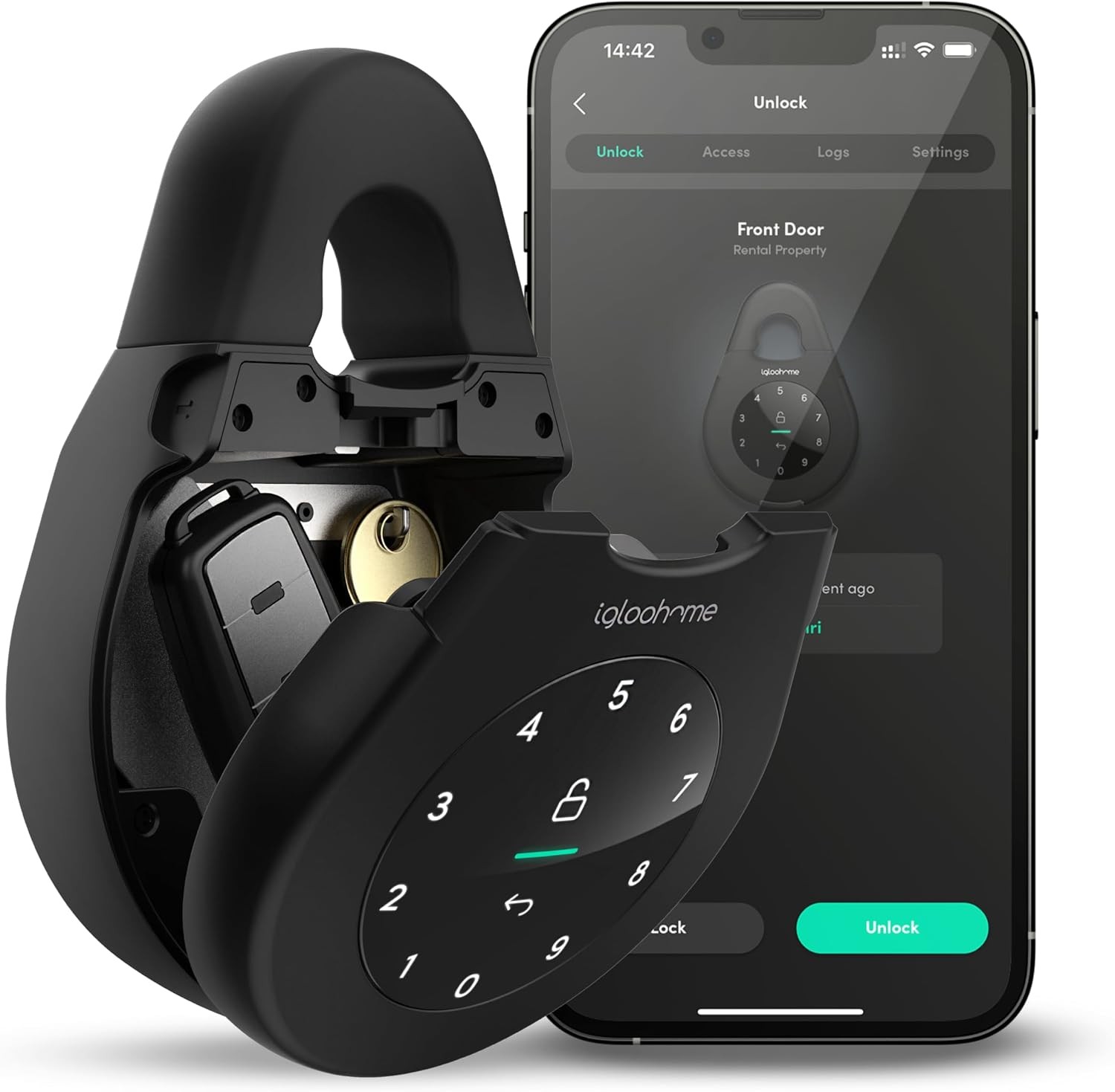 Igloohome Smart Keybox 3
Best for Offline Access
Checked Aug 13, 2026$149.99Buy It Now on Amazon
Igloohome Smart Keybox 3
Best for Offline Access
Checked Aug 13, 2026$149.99Buy It Now on Amazon
Product details and available prices were refreshed through Amazon Creators API on Aug 13, 2026. Prices and availability may change. As an Amazon Associate, Checkmate may earn from qualifying purchases.
After testing dozens of systems across hundreds of properties, these smart locks stand out as the top performers for vacation rental hosts looking to upgrade from traditional door hardware options to WiFi locks for rental properties:
Schlage Encode Plus™ Smart WiFi Deadbolt
Best For: Overall Performance and Apple Home Key Users
Pros:
- Built-in Wi-Fi requires no additional hub or bridge.
- Apple Home Key support allows iPhone and Apple Watch tap-to-unlock.
- Excellent build quality with a security rating of ANSI/BHMA Grade 1
- Intuitive app with comprehensive remote management features
- Can store 100 user codes
Cons:
- Premium price point ($249-$299)
- Battery life (3-6 months) shorter than non-Wi-Fi models
- Compared to competitors, there are limited finish options.
Checkmate's Take: The Encode Plus is our standard recommendation for vacation rentals. Its built-in Wi-Fi makes it a workhorse for remote management, and when paired with reliable security camera systems, creates a comprehensive property protection setup that means fewer emergency calls and happier guests. For more code-based options, see our guide to the best door knobs for Airbnb.
August Wi-Fi Smart Lock (4th Gen)
Best For: Easy Installation and Rental Properties with HOA Restrictions
Pros:
- Installs in minutes over your existing deadbolt
- Maintains the exterior appearance
- Excellent app with virtual keys and temporary access scheduling.
- Auto-lock and unlock based on the proximity of your smartphone.
- Compatible with major smart home platforms (Alexa, Google, HomeKit)
Cons:
- Short battery life (average 3 months)
- Requires a separate keypad for code entry (sold separately)
- Bulkier interior design than some competitors
Checkmate's Take: The August is our go-to solution for properties with strict exterior appearance requirements or hosts wanting a quick, reversible installation. The auto-unlock feature impresses guests, and we always pair it with the external keypad for backup access. It consistently ranks among our best smart locks for rentals due to its versatility and guest appeal.
Yale Assure Lock 2
Best For: Versatility and Future-Proofing Your Investment
Pros:
- Modular design lets you upgrade connectivity (Bluetooth, Wi-Fi, Matter) without replacing the entire lock.
- Sleek, minimalist options for touchscreen or keypad
- Excellent integration with major smart home ecosystems
- Battery life with Bluetooth module
- Available in various finishes and styles
Cons:
- The base model requires a separate Yale Connect Wi-Fi Bridge for remote access.
- Premium styling costs more.
- In bright sunlight, the touchscreen version can be difficult to use.
Checkmate's Take: For Airbnb properties, Yale's modular approach wins for future flexibility. Starting with Bluetooth and upgrading to Wi-Fi or Matter as needed makes it ideal for hosts planning to expand their tech integration with security cameras for Airbnb and other smart devices.
Wyze Lock Bolt
Best For: Budget-Conscious Hosts and Smaller Properties
Pros:
- Exceptional value at $70-$90
- Fingerprint reader for ultra-fast entry
- 20-month battery life
- Simple installation
- Excellent reliability
Cons:
- No remote access without extra hardware.
- Limited to 50 PIN codes and 50 fingerprints
- No option for physical key backup
- Basic app with fewer features than premium options.
Checkmate's Take: The Wyze Lock Bolt delivers impressive performance at an unbeatable price. While it doesn't top our list of best keyless door locks for Airbnb, we recommend it for budget-conscious hosts with properties near their primary residence, as the lack of remote management makes it less suitable for distant properties.
igloohome Smart Keybox 3
Best For: Special Use Cases and Properties with Door Hardware Restrictions
Pros:
- No door modifications required
- Can generate offline time-sensitive PIN codes
- Stores multiple keys, cards, or fobs
- Versatile mounting options (hanging, fixed, or portable)
- Weather-resistant design
Cons:
- Still relies on physical keys for entry
- Limited remote management capabilities
- Less convenient than direct door access
- Higher security risk than integrated deadbolt solutions
Checkmate's Take: The Keybox 3 excels in specific scenarios, such as properties where you can't modify door hardware, secondary access points like garage or storage areas, and emergency backup systems. It is not our first choice for primary entry, but its unique offline code generation makes it more secure than traditional lockboxes.
4 Benefits of a Smart Lock for Your Vacation Rental
Switching to keyless entry delivers advantages that impact your bottom line and operational efficiency:
1. Enhanced Security and Peace of Mind
Smart locks eliminate the vulnerabilities of physical keys that can be copied or lockboxes with unchanging codes. Each guest receives a unique access code that expires after checkout. Many systems provide detailed audit trails, showing who entered your property and when, valuable for investigating incidents or disputes.
2. A 5-Star Guest Experience
Today's travelers expect convenience, and nothing says "outdated hosting" like forcing guests to coordinate a physical key handoff after a long day of travel. Smart locks enable seamless self-check-in at any hour, which guests rate as a top amenity in reviews. This modern touch signals professionalism and attention to detail, key factors in improving your guest experience and earning 5-star ratings.
3. Streamlined Operations
Keyless systems transform your workflow beyond guest access. You can create temporary codes for cleaners, maintenance workers, or property inspectors without leaving home or the office. This remote management capability enables automated Airbnb check-in processes, saving you time and eliminating coordination headaches.
4. Integration and Automation
The biggest benefit comes when your smart lock connects to your property management ecosystem. Advanced locks integrate with Property Management Software (PMS) platforms or directly with Airbnb and VRBO to automatically generate and send access codes to guests upon booking confirmation. This "set it and forget it" functionality represents the pinnacle of hosting efficiency.
Types of Keyless Entry Systems: Choosing Your Technology
Not all smart locks are equal. The underlying technology determines key capabilities, limitations, and use cases for your vacation rental:
Wi-Fi Smart Locks (The All-Access Pass)
Wi-Fi-connected locks connect directly to your property's internet network, enabling true remote control. From anywhere with an internet connection, you can lock, unlock, add or delete access codes, and check door status.
The main advantage of Wi-Fi locks is the elimination of additional hardware. There's no need for separate hubs or bridges; just the lock connected to your property's existing Wi-Fi network. This makes them ideal for hosts who want maximum remote control with minimal setup complexity.
The downside is that constant Wi-Fi connectivity consumes more battery power, resulting in shorter battery life (3-6 months versus 6-12 months for other technologies). Wi-Fi locks depend on a stable internet connection at the property for remote features.
Bluetooth, Z-Wave, and Zigbee Smart Locks (The Reliable Local)
These technologies prioritize battery efficiency and reliable local operation over direct connectivity. Bluetooth locks connect directly to your smartphone within range (30-50 feet), while Z-Wave and Zigbee locks communicate with a central hub or bridge device that connects to the internet.
The main advantage of these systems is excellent battery life, lasting 6-12 months on a single set. They are also less vulnerable to internet outages since their core functionality doesn't depend on Wi-Fi.
The main limitation for Bluetooth locks is distance; you need to be physically near the lock to control it remotely. Z-Wave and Zigbee locks use a hub to solve this, but this adds complexity and cost to your setup. You need to purchase, install, and maintain a separate hub device (like Samsung SmartThings or a manufacturer-specific bridge) within range of the lock.
Standalone Electronic Keypad Locks (Old-School Reliable)
These battery-powered workhorses represent the original keyless entry technology. They feature a simple keypad for code entry but lack internet connectivity. Programming is done directly on the lock.
The main advantages are simplicity, reliability, and exceptional battery life (1-2 years). These locks function through power outages, internet disruptions, or server problems. They're "set and forget" devices with minimal maintenance.
The significant drawback is the complete lack of remote management. You must be physically at the property to program the lock to create a code for a last-minute booking or remove an expired code. This limitation makes standalone locks impractical for most remote hosts managing properties.
Smart Lockboxes (The Low-Effort Upgrade)
Smart lockboxes represent a hybrid approach. They store a physical key but replace the traditional combination lockbox with Bluetooth or internet-connected access. Products like the igloohome Smart Keybox allow you to generate time-sensitive PIN codes remotely without changing your door's hardware.
The main advantage is the simplicity of installation. There is no need to replace deadbolts or make permanent modifications, making this an excellent solution for rental units with strict HOA rules or historic properties with special door hardware.
The main disadvantage is that you're still using a physical key, which can be lost, copied, or stolen. You also miss out on detailed entry logs and doorway status checks available with full smart lock systems. Smart lockboxes represent a good entry point but lack the security and convenience of a complete smart lock.
7 Must-Have Features in a Vacation Rental Door Lock
When evaluating keyless entry systems for your Airbnb or vacation rental, prioritize these critical features:
1. Remote Code Management
This is non-negotiable for serious hosts. Your lock must allow you to create, delete, and modify access codes remotely using your smartphone or computer. Without this capability, you will make unnecessary trips to the property or hire someone locally for access changes.
2. Scheduled & Temporary Access
The foundation of automated Airbnb check-in systems is time-limited access. Look for locks that can activate a code at check-in and deactivate it at checkout. This prevents early arrivals before cleaning and eliminates security concerns about guests retaining access.
3. Software Integration (PMS/Airbnb)
The most advanced locks integrate with platforms like Airbnb, VRBO, or property management systems. These integrations automatically generate unique codes upon booking confirmation and deliver them to guests in pre-arrival communications, eliminating manual code management.
4. Long Battery Life & Low-Battery Alerts
A deadlock equals a locked-out guest and an emergency service call. Prioritize locks with at least 6 months battery life under normal use, and ensure the system provides multiple low-battery notifications well before failure (through the app, email alerts, and visual/audible indicators on the lock).
5. Detailed Activity Log (Audit Trail)
Access logs show when your door was locked or unlocked and which code was used. This feature is invaluable for security monitoring, resolving checkout disputes, or verifying if cleaners or maintenance workers arrived on time.
6. Durability & All-Weather Rating
Vacation rental locks face harsher conditions than typical residential locks. Look for models with appropriate ANSI/BHMA security ratings and weather resistance matching your property's environment. Coastal properties need locks that resist salt corrosion, while mountain homes need systems rated for extreme cold.
7. Physical Key Backup
Even reliable technology can fail. To ensure guests won't be stranded outside your property, a physical key backup is essential. Look for discreetly hidden keyholes (often under a removable plate) for emergency access without compromising the lock's security.
You've Picked a Lock. Now What? Implementation Best Practices
Choosing the right smart lock for property management is the beginning. Follow these implementation best practices to ensure a smooth transition for you and your guests:
Installation and Setup
If you're not confident in your DIY skills, hire a professional locksmith for installation. Perfect alignment is crucial for reliable operation and to prevent future headaches.
- Before your first guest arrives, complete the initial setup and Wi-Fi connection. Test all functions, including remote code creation, door locking/unlocking, and physical key backup.
- Take clear photos of the installed lock for your guest guide, highlighting unique features or instructions.
- Consider installing a separate electronic deadbolt and doorknob/lever for additional security and redundancy.
Updating Your Guest Workflow
Update your Airbnb listing to highlight "self check-in" as an amenity and include photos of your smart lock in the property images.
- Create a standardized message template for delivering access codes that includes:
- The unique entry code
- Step-by-step instructions with photos
- Battery status
- A backup contact number for lock-related emergencies
- Consider creating a short video walkthrough to operate the lock, especially if your model has unique features.
- Implement a verification system to confirm guests have received and understand their access instructions before arrival.
FAQ
Q: What if the Wi-Fi or power goes out?
A: Most smart locks maintain functionality during outages. The keypad works with programmed codes, and physical key backups function. You'll temporarily lose remote management capabilities until connectivity is restored, but guests still have access.
Q: How often should I change the batteries?
A: Battery life varies by model and usage. Wi-Fi locks need replacement every 3-6 months, while Bluetooth or standalone models last 6-12 months or longer. Most smart locks provide low-battery warnings through the app and on the lock weeks before failure, giving you time to replace them.
Q: Should I give my cleaner a code?
A: Absolutely. Smart locks create unique codes for service providers, which is a major benefit. For cleaners, we recommend setting up a recurring code that works only during their scheduled times (e.g., between checkout and check-in on turnover days). This provides convenience and security.
Conclusion
Finding the best keyless entry for your Airbnb isn't just about convenience. It's a strategic decision impacting security, guest satisfaction, and operational efficiency. The right smart lock becomes the foundation of a modern, streamlined hosting operation that can scale with your business.
As vacation rental competition intensifies, these technological advantages become important differentiators. By investing in quality access control systems now, you're positioning your property for sustained success while reclaiming countless hours previously spent on manual key management. This smart upgrade begins your journey toward a fully automated, professional rental operation.